The Best Offline Dictation Software in 2026
Dictation tools that never send your audio anywhere, compared by platform and price - plus how to check a vendor's "on-device" claim is real.
Written by Dictation Database Team
Offline dictation means one thing: the audio is transcribed on your machine and never crosses the network. Not "encrypted in transit." Not "deleted after processing." Not transmitted at all.
That distinction has become harder to verify, because a lot of cloud products now describe themselves in language that sounds local. This guide lists the tools that genuinely run offline, and explains how to check the claim yourself.
Short answer: superwhisper is the best cross-platform option, VoiceInk is the cheapest good one at $29 once, Handy is the best free one, and Apple Dictation is already on your Mac.
Tools that run entirely offline
| Tool | Platforms | Price | Notes |
|---|---|---|---|
| superwhisper | macOS, Windows, iOS | Free; $84.99/yr or $249.99 once | Cloud optional via your own keys |
| VoiceInk | macOS (Apple Silicon) | $29 one-time | GPL v3 |
| MacWhisper | macOS | Free; €59 once | File transcription |
| Handy | macOS, Windows, Linux | Free (MIT) | No network calls at all |
| Parrot | macOS (Apple Silicon) | Free | No account required |
| Amical | macOS, Windows | Free (MIT) | Local LLM cleanup too |
| Buzz | macOS, Windows, Linux | Free (MIT) | Files and live mic |
| Vibe | macOS, Windows, Linux | Free (MIT) | Speaker diarization |
| Vocalinux | Linux | Free (AGPL) | Offline-only by design |
| nerd-dictation | Linux | Free (GPL) | VOSK engine |
| Apple Dictation | macOS, iOS | Free | On-device on M1+ |
| Dragon Professional | Windows | $699.99 | Local, trainable vocabulary |
| Talon Voice | macOS, Windows, Linux | Free | Voice coding and control |
Browse the full filtered list in the works offline collection, or by the on-device tag.
Why you might need this
Three reasons come up repeatedly, and they call for different levels of rigour.
Policy. Your employer, client, or regulator forbids sending audio to third parties. Here you need a tool with no network path, and ideally one you can verify - which points at open source.
Confidentiality. Legal work, therapy notes, journalism with sources, unreleased product plans. The risk isn't a vendor's malice, it's their breach, their subpoena, or their retention policy changing after you signed up.
Practicality. Planes, trains, bad hotel wifi, and rural connections. Local models don't care.
If you're in the third group, a cloud tool with an offline fallback is fine. If you're in the first two, read the next section carefully.
How to tell a real offline tool from marketing copy
Four phrases that don't mean what they appear to:
"On-device processing." Sometimes only the wake word or voice activity detection runs on-device, while the actual transcription is a cloud call. Windows Voice Typing is honest about this - it's cloud via Azure, with a weaker local fallback - but not every vendor is.
"Private" or "Privacy Mode." Usually a retention policy: your audio still travels to their servers, they just promise to delete it. Wispr Flow's Privacy Mode works this way.
"Zero data retention." Same thing. VoiceDash processes via OpenAI with zero data retention, and Voibe uses zero-retention cloud on Windows and Intel Macs. Both are reasonable privacy postures. Neither is offline.
"Offline mode available." Check which platforms. Willow Voice has an opt-in offline mode, but only on Mac and iOS - on Windows and Android it's cloud. Voibe is fully offline on Apple Silicon only.
The test that settles it: turn off wifi, unplug ethernet, and dictate a paragraph. If text appears, it's local. If you want to be thorough, watch outbound connections with Little Snitch on macOS or ss -tp on Linux while dictating.
The best offline dictation by platform
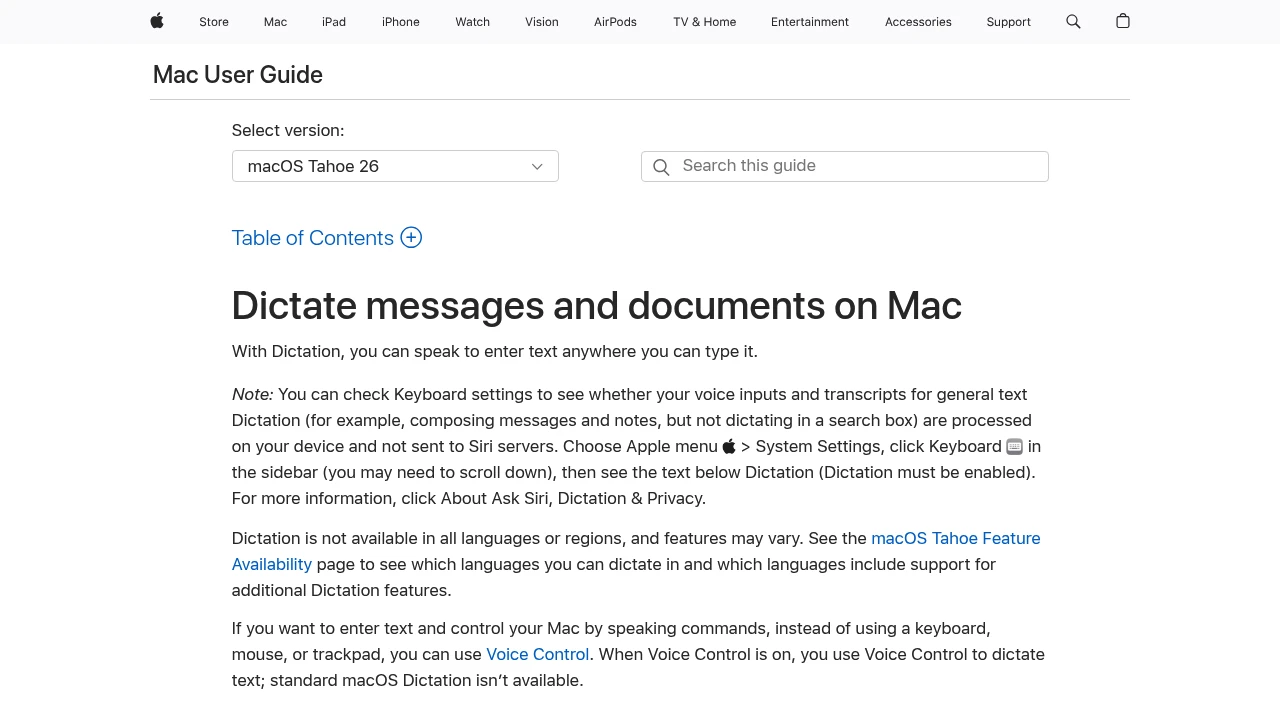
macOS. Apple Dictation is free and already there, running fully on-device on M1 and later. VoiceInk at $29 one-time is the cheapest meaningful upgrade, and it's GPL v3 so you can audit it. superwhisper is the most capable, and unlike VoiceInk it supports Intel Macs. Parrot is free, uncapped, and needs no account.
Windows. superwhisper and Handy are the practical options, both running Whisper locally. Expect slower transcription than on Apple Silicon unless you have a decent GPU. Dragon Professional is fully local and still unmatched on trainable specialist vocabulary, at $699.99 on a product line being wound down.
Linux. Almost everything is offline here. Vocalinux has no cloud path at all, Handy makes no network calls, VOXD needs no GPU, and nerd-dictation runs VOSK from a single Python file.
iOS and Android. Slim pickings. Apple Dictation and Apple Voice Control run on-device on iPhone. Gboard Voice Typing works offline with a downloaded model, around 80MB per language, and Voice Access does too with a language pack. Third-party mobile dictation is overwhelmingly cloud-based.
Offline file transcription
If you have recordings rather than live speech, offline is both more private and usually cheaper.
MacWhisper on a Mac, or Buzz and Vibe on anything. All run Whisper locally with no per-minute cost. Vibe adds speaker diarization and exports to SRT, VTT, TXT, HTML, PDF, JSON, and DOCX.
Compare that with the cloud services: Sonix at $10 an hour, Rev at $0.25 a minute for AI, Happy Scribe at $0.20 a minute for extra AI minutes. For a researcher with fifty hours of interviews, local transcription is the difference between $0 and several hundred dollars - and the recordings never leave the laptop.
The trade-offs you're accepting
Offline dictation costs you something. Be clear about what.
- Speed on weak hardware. A large Whisper model on an old CPU is slow. Pick a smaller model - see Whisper models explained.
- Disk and memory. Models run from tens of megabytes to several gigabytes.
- Rewriting features. Cloud tools use large language models to turn rambling speech into clean prose. Amical does this locally with Ollama, but most local tools just transcribe.
- Mobile parity. Your phone almost certainly won't match your desktop setup.
- Setup. You choose and download models. That's an evening, once.
What about HIPAA?
Offline and HIPAA-compliant are related but not the same. If audio never leaves the device, there's no third party to sign a Business Associate Agreement with - which simplifies things considerably. But HIPAA also covers storage, access control, and audit, and most clinical workflows need EHR integration that a local dictation app doesn't provide.
In practice, clinicians use Dragon Medical One, Freed, Suki, or Abridge - all cloud, all with a BAA. The exception is INVOX Medical, which can be deployed on your own servers. See HIPAA-compliant transcription and the HIPAA collection.
Frequently asked questions
What is the best offline dictation software?
superwhisper across platforms, VoiceInk at $29 for Apple Silicon Macs, Handy for free on any desktop OS, and Vocalinux on Linux.
Does Apple Dictation work offline?
Yes, on Apple Silicon Macs and recent iPhones, once you've downloaded the language. Intel Macs still send audio to Apple for the enhanced model.
Does Windows dictation work offline?
Win+H voice typing falls back to a weaker local model without a connection, but its normal mode is cloud-based via Azure. For genuine offline dictation on Windows, use superwhisper, Handy, or Dragon Professional.
Is offline dictation less accurate?
Not inherently. Local tools run Whisper Large and Parakeet, the same class of models cloud services use. What cloud providers add is more compute for post-processing - cleanup, formatting, rewriting - rather than better raw transcription.
How do I verify a tool is really offline?
Disconnect from the network and dictate. If text appears, it's local. For a stronger check, monitor outbound connections with Little Snitch on macOS or ss -tp on Linux while you dictate.
Last verified: 10 August 2026.