The Best Dictation Apps for iPhone in 2026
iPhone dictation compared - the free built-in option, custom keyboards, and the apps that sync with your Mac. Including which ones run on-device.
Written by Dictation Database Team
iPhone dictation is a strange market. The built-in option is genuinely good and completely free, iOS restricts what third-party apps can do with system-wide text entry, and the result is that most paid iPhone dictation apps are either custom keyboards or companions to a desktop app you already pay for.
Short answer: use Apple Dictation first - it's free, on-device, and better than most people realise. If you need more, Wispr Flow is the best cross-device option, superwhisper is the best if you also use it on a Mac, and Whisper Memos is the pick if you dictate while walking or driving.
The short list
| App | Price | Offline | Form |
|---|---|---|---|
| Apple Dictation | Free | Yes | Built into the keyboard |
| Wispr Flow | Free tier; $12/user/mo annual | No | Keyboard, syncs with desktop |
| superwhisper | Free; $84.99/yr or $249.99 once | Yes | App, iOS 18+ |
| Utter | Free; $5/mo or $59.99/yr | Yes (Apple Silicon local) | App, iOS 17+ |
| Spokenly | Free; $99.99/yr | Yes | Custom keyboard |
| Whisper Memos | $60/yr | No | Watch + widget, emails you |
| Willow Voice | Free; $12/mo annual | Opt-in on iOS | Keyboard |
| Aqua Voice | Free; $8/mo annual | No | App |
| LumeVoice | $79.99/yr or $249 once | No | Mobile-first app |
| Otter.ai | Free; $8.33/mo annual | No | Meeting recording |
Start with what's built in
Apple Dictation runs on-device on recent iPhones, costs nothing, has no time limit, and stops after roughly thirty seconds of silence. The 2026 releases added automatic capitalisation, punctuation, and formatting on-device, which removed the most common reason people looked elsewhere.
Tap the microphone on the keyboard and talk. Download your language under Settings → General → Keyboard → Dictation for offline use.
Its limits are the same on iPhone as on Mac: no meaningful custom vocabulary, no per-app behaviour, and no rewriting of rambling speech into finished text. If you're dictating messages, it's fine. If you're drafting long documents by voice, it isn't.
Apple Voice Control is the separate, more powerful feature for controlling the whole phone by voice rather than just entering text - free, on-device, and getting natural language input via Apple Intelligence in 2026.
Best if you also dictate on a computer
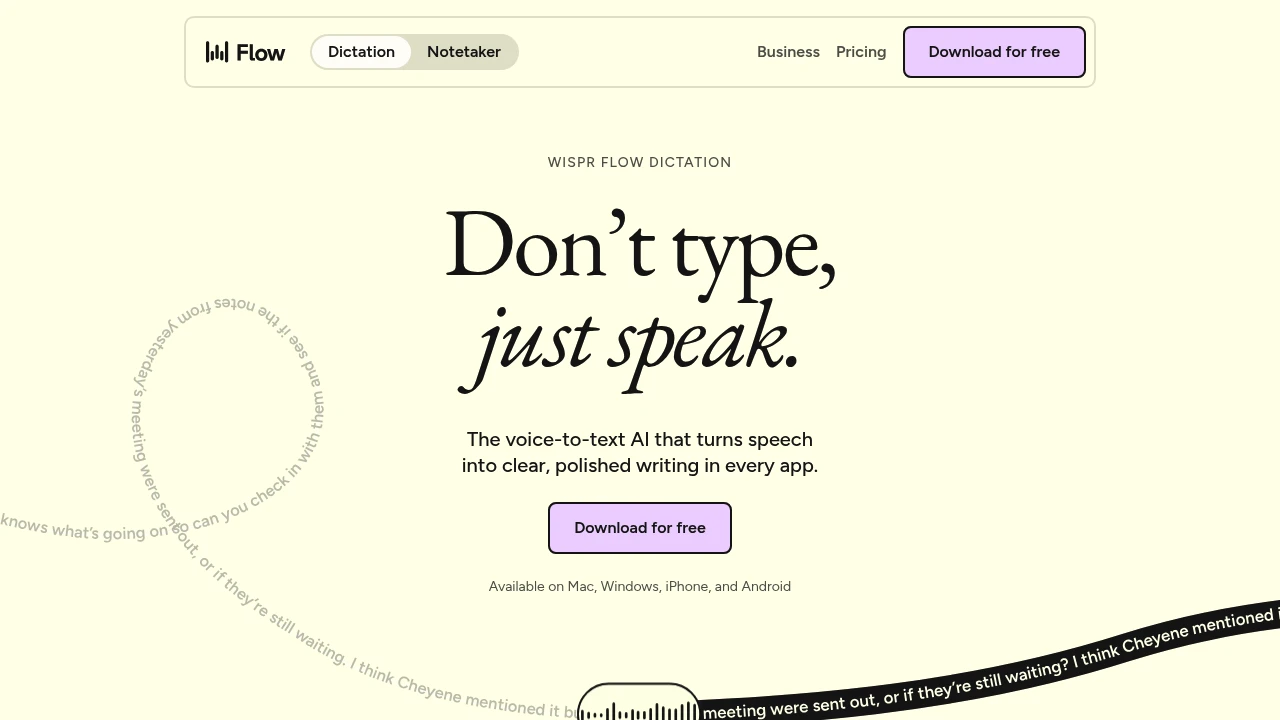
The strongest argument for a paid iPhone dictation app is consistency: the same custom vocabulary, the same formatting rules, and the same behaviour whether you're on a laptop or a phone.
Wispr Flow is the best at this. macOS, Windows, iOS, and Android, all sharing your dictionary and your settings. Free gives 2,000 words a week on desktop and 1,000 a week on iPhone; Pro is $12 per user per month billed annually. It's cloud-only, so no offline dictation on any platform.
superwhisper requires iOS or iPadOS 18 and runs locally, which is the reason to choose it over Wispr Flow. Free covers unlimited dictation on the small models; Pro is $84.99 a year or $249.99 lifetime, and that licence covers Mac, Windows, and iOS.
Utter is the cheapest of the three at $5 a month or $59.99 a year, needs iOS 17+, and is free entirely if you use local models or bring your own API keys. It also syncs a searchable voice history across devices.
Best custom keyboard
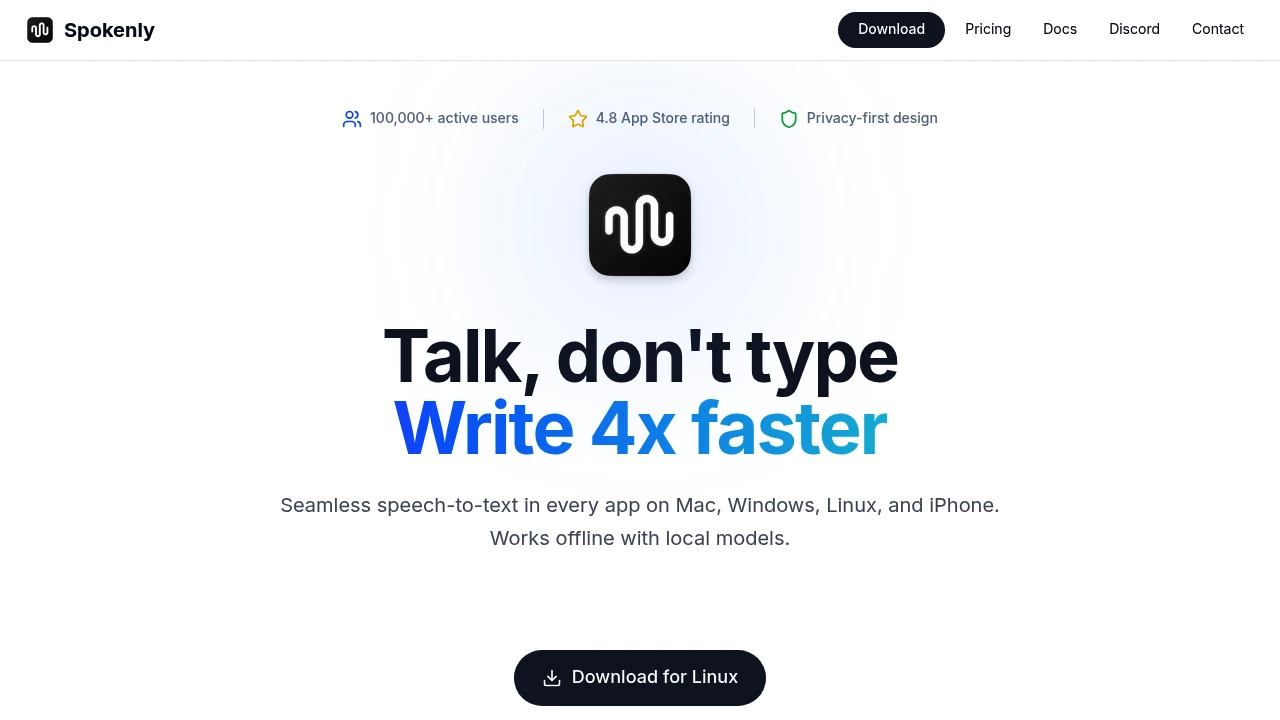
iOS won't let a third-party app type into arbitrary text fields the way a Mac app can, so the workaround is a custom keyboard you switch to.
Spokenly ships one, and its pricing is unusual: free forever on local models with no cap, and $99.99 a year only if you want the cloud models. Local Only Mode blocks all network requests outright.
Willow Voice also has an iOS keyboard, with an opt-in offline mode that's available on Apple platforms only. Free tier gives unlimited dictation on its smaller model.
Custom keyboards on iOS require granting Full Access to work, which is a real permission with real implications. Read what the app says it does with that access before enabling it.
Best for dictating while moving
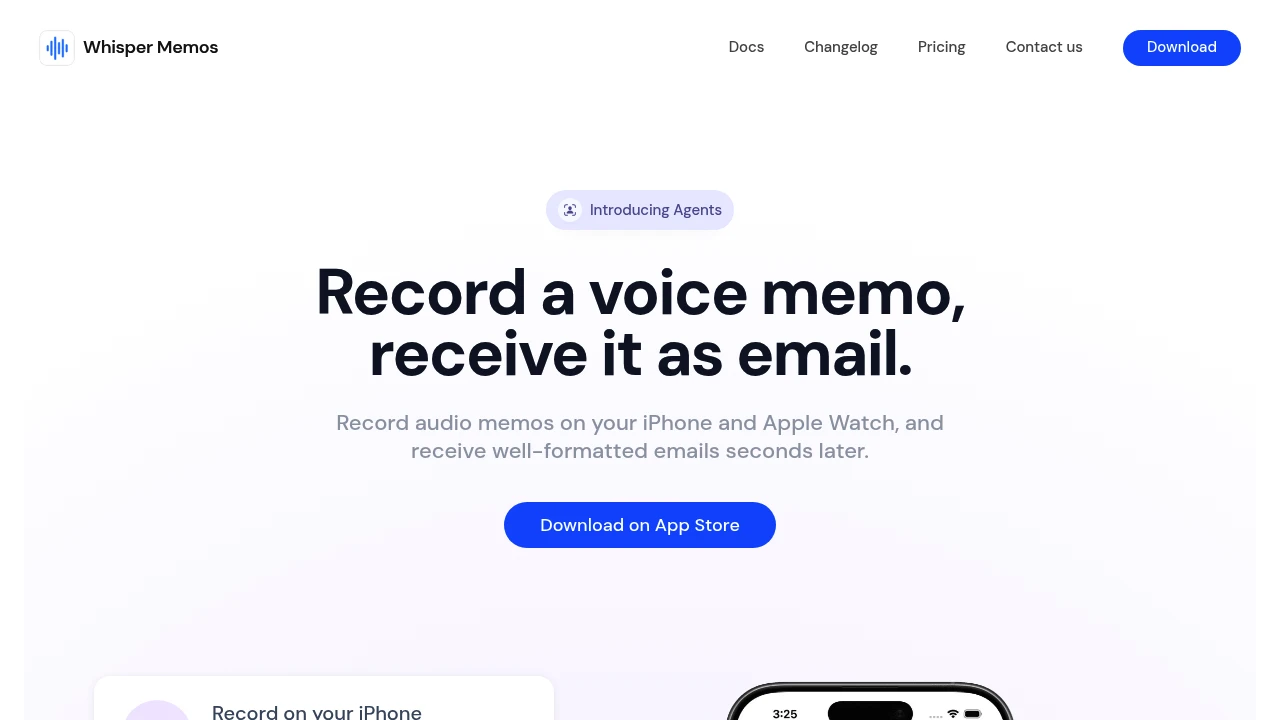
Whisper Memos is a different shape to everything else here. You talk into your Apple Watch, a lock screen widget, Siri, or a Shortcut, and a transcript arrives in your email - or gets routed to Notion, Trello, or Todoist through its "Agents" feature. $60 a year, one tier, no free option, cloud processing via Whisper, ElevenLabs, or Cohere.
It's built for people who have ideas on walks and drives and want them captured without unlocking a phone. It's not a dictation app for writing at a desk, and it doesn't try to be. Built by an independent developer, which is worth knowing when you're paying annually.
Mobile-first cloud options
LumeVoice is designed around the phone rather than ported to it: iOS, Android, and macOS, with Windows on a waitlist. $14.99 a month, $79.99 a year, or $249 lifetime, with no free tier - just a three-day trial on the annual plan. Cloud processing with zero data retention and no training on user data, 100+ languages, and integrations with Gmail, Slack, Notion, and VS Code.
Aqua Voice is the low-latency option, from $8 a month annually, with a free tier capped at 1,000 words total. Cloud only.
Voicy covers iOS alongside Windows, macOS, Linux, Android, and Chrome on a single $8.49-a-month subscription, with unlimited personal devices - the widest platform coverage of anything here, and 20% discounts for students and for users with a disability.
Recording meetings on a phone
Different job, different tools. Otter.ai has the best-known iOS app, free at 300 minutes a month with a 30-minute cap per conversation. Laxis is worth a look because it's built to record in-person conversations as well as calls, with 300 free minutes a month. Plaud sells dedicated recording hardware from $159 that pairs with a phone app - the only hardware option in the directory.
Check your local law on recording other people before using any of these.
Frequently asked questions
What is the best dictation app for iPhone?
Apple Dictation for most people, since it's free and on-device. Wispr Flow if you want the same setup on your computer, superwhisper if you want that and offline processing, and Whisper Memos if you dictate on the move.
Does iPhone dictation work offline?
Yes. Apple Dictation runs on-device on recent iPhones once you've downloaded the language. Among third-party apps, superwhisper, Utter, and Spokenly offer local processing; most others are cloud-only.
Is there a time limit on iPhone dictation?
Apple removed the old 60-second limit. Dictation now stops after roughly thirty seconds of silence rather than at a fixed duration.
Why can't iPhone dictation apps type into any app?
iOS doesn't give third-party apps system-wide text insertion the way macOS does. They work around it with custom keyboards, which require Full Access permission, or by having you copy text out of their own app.
What's the cheapest good iPhone dictation app?
Apple Dictation at $0, then Spokenly, which is free forever on local models, then Utter at $5 a month.
Last verified: 10 August 2026.