Apple Dictation vs Paid Apps - Is It Worth Upgrading?
Apple's built-in dictation got much better in 2026. Here's exactly what it still can't do, and whether the $29–250 alternatives are worth it.
Written by Dictation Database Team
A meaningful share of people who buy a Mac dictation app never seriously tested the one already on their machine. That was a defensible mistake three years ago. It isn't now - Apple Dictation gained on-device automatic capitalisation, punctuation, and formatting in 2026, which was the main thing sending people to paid apps.
So the honest version of this comparison is: try the free one properly first, and here are the four specific things that will make you upgrade.
Short answer: Apple Dictation is enough for most short-form writing. Upgrade if you need custom vocabulary, per-app formatting, cleanup of rambling speech, or transcription of recorded files.
What Apple Dictation does well
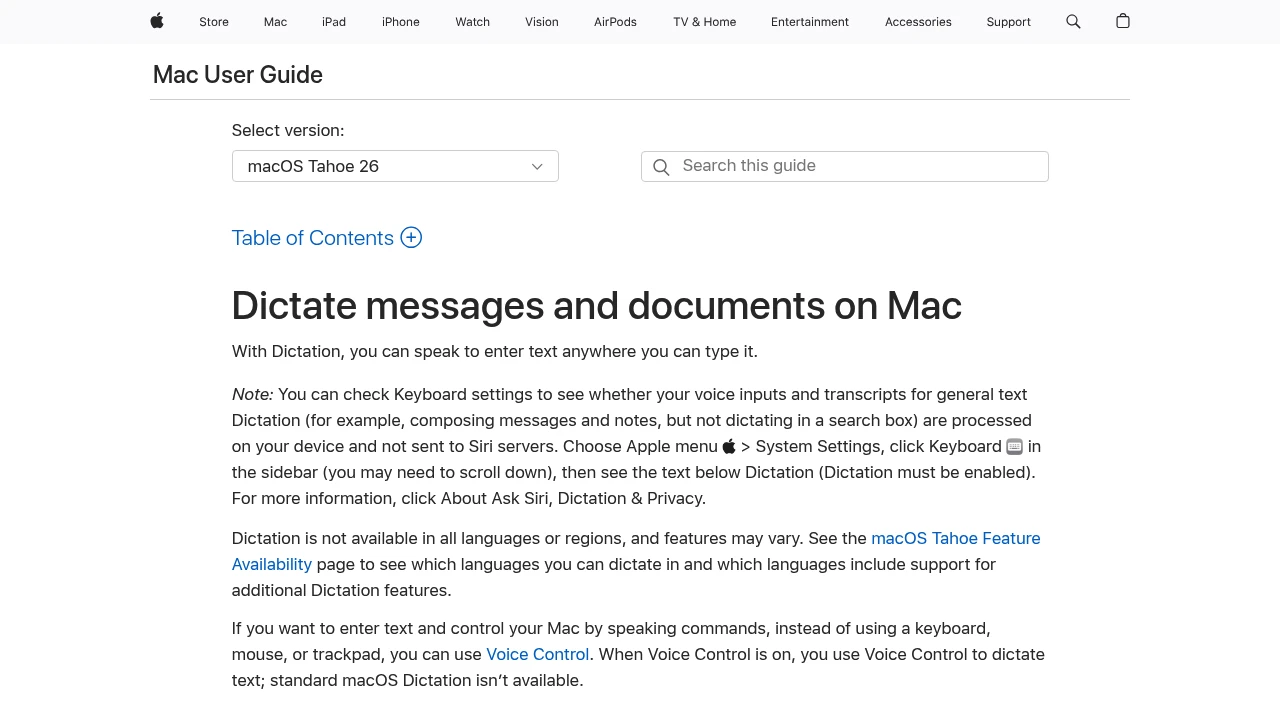
- Free, and already installed on macOS and iOS.
- Fully on-device on Apple Silicon (M1 and later), so nothing goes to Apple's servers and it works offline once the language is downloaded.
- No time limit. The old 60-second cap is long gone; it stops after roughly thirty seconds of silence.
- Automatic punctuation and capitalisation, on-device, added in 2026.
- Works everywhere on the system, with no permissions to grant and no keyboard to install.
- Many languages, downloadable individually.
Turn it on under System Settings → Keyboard → Dictation on a Mac, or Settings → General → Keyboard → Dictation on an iPhone, and download your language for offline use.
The four reasons to upgrade
1. Custom vocabulary
Apple Dictation has no meaningful way to teach it a word. Names, product terms, medical or legal vocabulary, and technical jargon will be wrong every time, and there's nothing you can do about it beyond fixing it manually.
Every paid app addresses this. Wispr Flow learns terms after a few corrections and supports shared team dictionaries. superwhisper and VoiceInk let you supply vocabulary directly. Aqua Voice's free tier caps you at five dictionary entries, which tells you how central it considers the feature.
If you say the same fifteen proper nouns every day, this alone justifies $29.
2. Per-app formatting
Apple Dictation produces the same output everywhere. A Slack message and a formal email come out in the same register.
VoiceInk switches modes automatically per app, at $29 one-time. superwhisper has custom modes that can also trigger shell commands. Wispr Flow shifts tone based on the app you're in without being configured.
3. Cleaning up how people actually speak
Real speech has false starts, filler words, and sentences that change direction halfway through. Apple Dictation transcribes all of it faithfully, which means you edit afterwards.
Cloud tools run the transcript through a language model and give you something closer to a second draft. Wispr Flow is the best at this. Amical does it locally and free, pairing Whisper with Ollama on your own machine - the only way to get this without a cloud round trip.
If you dictate long-form and spend as long editing as you saved by not typing, this is what you're buying.
4. Transcribing recorded files
Apple Dictation is live-only. It doesn't take a file. For interviews, meetings, lectures, or voice memos you need a different tool: MacWhisper at €59 one-time, or Buzz and Vibe free. See the best transcription services for interviews.
What it costs to upgrade
| Option | Price | What you get over Apple |
|---|---|---|
| Parrot | Free | Local AI cleanup, no account |
| Handy | Free | Model choice, cross-platform |
| Amical | Free | Local Whisper + local LLM cleanup |
| VoiceInk | $29 one-time | Per-app modes, custom vocabulary |
| Utter | $5/mo or $59.99/yr | Cloud models, file transcription, history |
| MacWhisper | €59 one-time | File and batch transcription |
| superwhisper | $84.99/yr or $249.99 once | Modes, model choice, Windows and iOS |
| Wispr Flow | $12/user/mo annual | Best cleanup, Android, meeting notes |
Three of those cost nothing, which makes "should I upgrade" a lower-stakes question than it looks. Install Parrot or Handy and compare against Apple's for a week before spending anything.
Where Apple Dictation is still the better choice
Battery and resources. It's integrated into the OS and tuned for it. Wispr Flow in particular draws complaints about sustained CPU and memory use.
Reliability. No account, no subscription, no server outage, no company that might be acquired or shut down. Parrot is free with no visible business model; Serenade's original project is unmaintained. Apple Dictation will be there in five years.
Privacy without homework. On-device on Apple Silicon by default, with no configuration and no vendor claim to verify.
Occasional use. If you dictate a few messages a day, the paid features solve problems you don't have.
Apple Voice Control is a different product
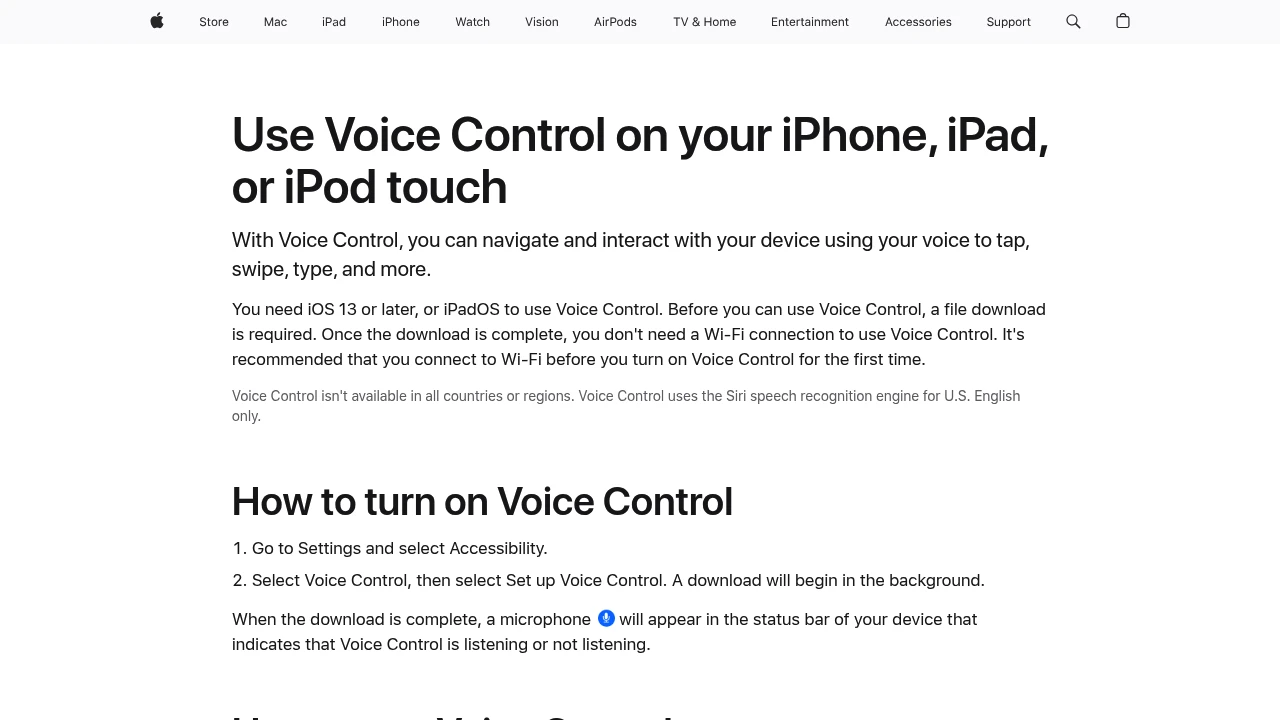
Worth separating, because they're often confused. Apple Dictation enters text. Apple Voice Control controls the whole device by voice - navigation, clicking, corrections, arbitrary commands - free, on-device, on macOS, iOS, and iPadOS, with natural language input arriving via Apple Intelligence in 2026.
If what you need is hands-free operation rather than faster typing, Voice Control is the built-in answer, and Talon Voice is the more powerful free alternative. See dictation for RSI.
How to test properly
Give the free option a genuine week before deciding.
- Use it for real work, not test sentences. The failures that matter are your vocabulary and your speaking style.
- Count the corrections. If you're fixing the same three names every day, buy custom vocabulary.
- Check the editing time. If cleaning up dictated text takes as long as typing would have, you want AI cleanup.
- Note where it breaks. Long documents? Technical terms? Specific apps? The failure mode tells you which product to buy.
- Then try a free upgrade - Parrot, Handy, or Amical - before a paid one.
Frequently asked questions
Is Apple Dictation good enough?
For short-form writing - messages, emails, notes - usually yes, especially since the 2026 on-device punctuation and formatting improvements. It falls short on custom vocabulary, per-app formatting, and cleaning up rambling speech.
Is Apple Dictation as accurate as paid apps?
On clean audio it's competitive. The larger Whisper models in superwhisper and MacWhisper do better on accents, background noise, and specialist vocabulary.
Does Apple Dictation work offline?
Yes, on Apple Silicon Macs and recent iPhones, once you've downloaded the language. Intel Macs still send audio to Apple for the enhanced model.
Can Apple Dictation transcribe an audio file?
No. It's live only. Use MacWhisper, Buzz, or Vibe for files.
Can I add custom words to Apple Dictation?
Not in any meaningful way. This is its clearest limitation and the most common reason people move to VoiceInk, superwhisper, or Wispr Flow.
What's the cheapest upgrade from Apple Dictation?
Parrot, Handy, and Amical are free. VoiceInk at $29 one-time is the cheapest paid option worth buying.
Last verified: 10 August 2026.