The Best Dictation Software for Mac in 2026
Nine Mac dictation apps compared on price, offline support, and Apple Silicon requirements - including the free one already installed on your machine.
Written by Dictation Database Team
macOS has the deepest dictation software market of any platform, largely because Apple Silicon made it practical to run large speech models locally on a laptop. The result is that Mac users can get genuinely excellent offline dictation for a one-time payment - an option Windows and Linux users mostly don't have.
Short answer: start with Apple Dictation, which is free and already installed. If it isn't enough, VoiceInk at $29 one-time is the cheapest good upgrade, superwhisper is the most capable, and MacWhisper is the one you want for transcribing recorded files.
The short list
| Tool | Price | Offline | Apple Silicon only | Best for |
|---|---|---|---|---|
| Apple Dictation | Free | Yes | No (on-device needs M1+) | Trying before you buy |
| VoiceInk | $29 one-time | Yes | Yes (macOS 14.4+) | Best value |
| superwhisper | Free; $84.99/yr or $249.99 once | Yes | No (macOS 13.3+) | Power users |
| MacWhisper | Free; €59 one-time | Yes | No | Transcribing files |
| Parrot | Free forever | Yes | Yes | No account, no cost |
| Wispr Flow | $12/user/mo annual | No | No | Polish and mobile |
| Aqua Voice | $8/mo annual | No | No | Lowest latency |
| Utter | Free; $5/mo | Yes | Apple Silicon for local | Cheapest paid tier |
| Spokenly | Free; $99.99/yr | Yes | Apple Silicon for local | Free unlimited local |
Try Apple Dictation first
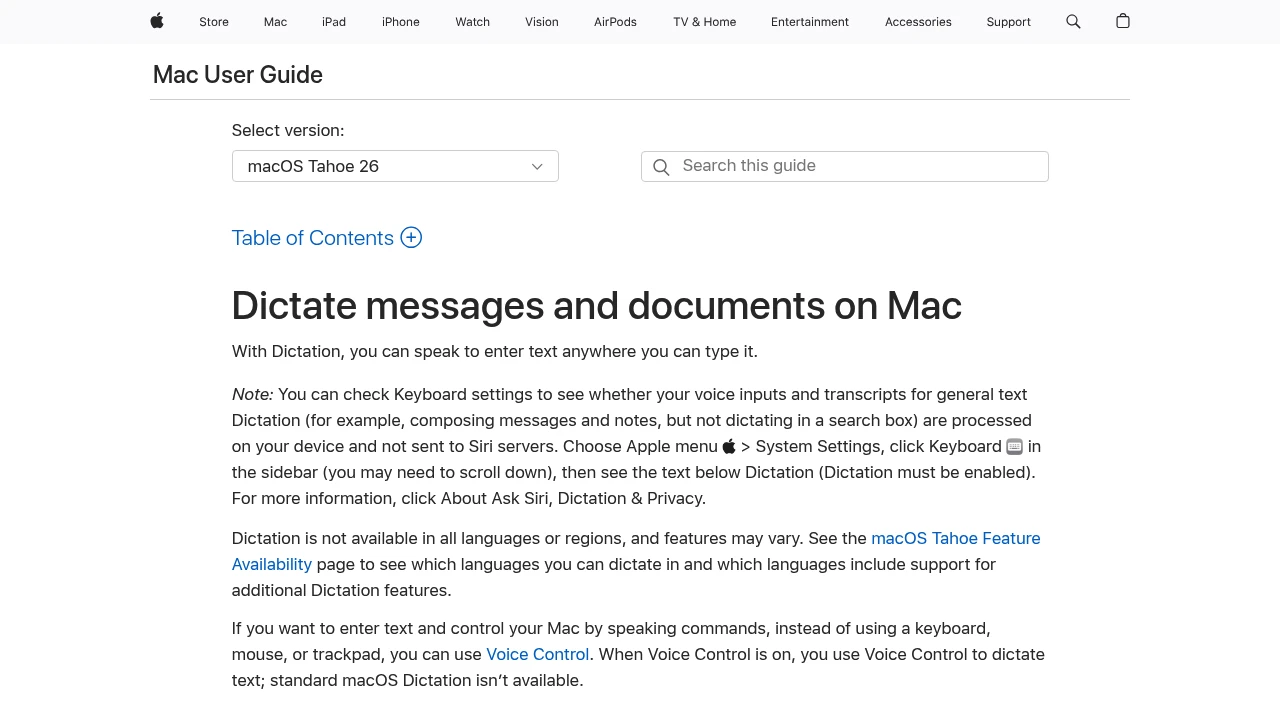
Apple Dictation is free, built in, and on an M-series Mac it runs fully on-device. There's no time limit - it stops after roughly thirty seconds of silence - and the 2026 releases added on-device automatic capitalisation, punctuation, and formatting, which closed most of the gap that used to push people towards paid apps.
Turn it on in System Settings → Keyboard → Dictation, and download your language for offline use. Press the shortcut twice and talk.
Where it runs out: no custom vocabulary worth the name, no per-app behaviour, no filler-word removal, and no way to reformat what you said into a different register. If you dictate all day, those gaps compound. If you dictate a few messages a day, they don't.
Best value: VoiceInk at $29
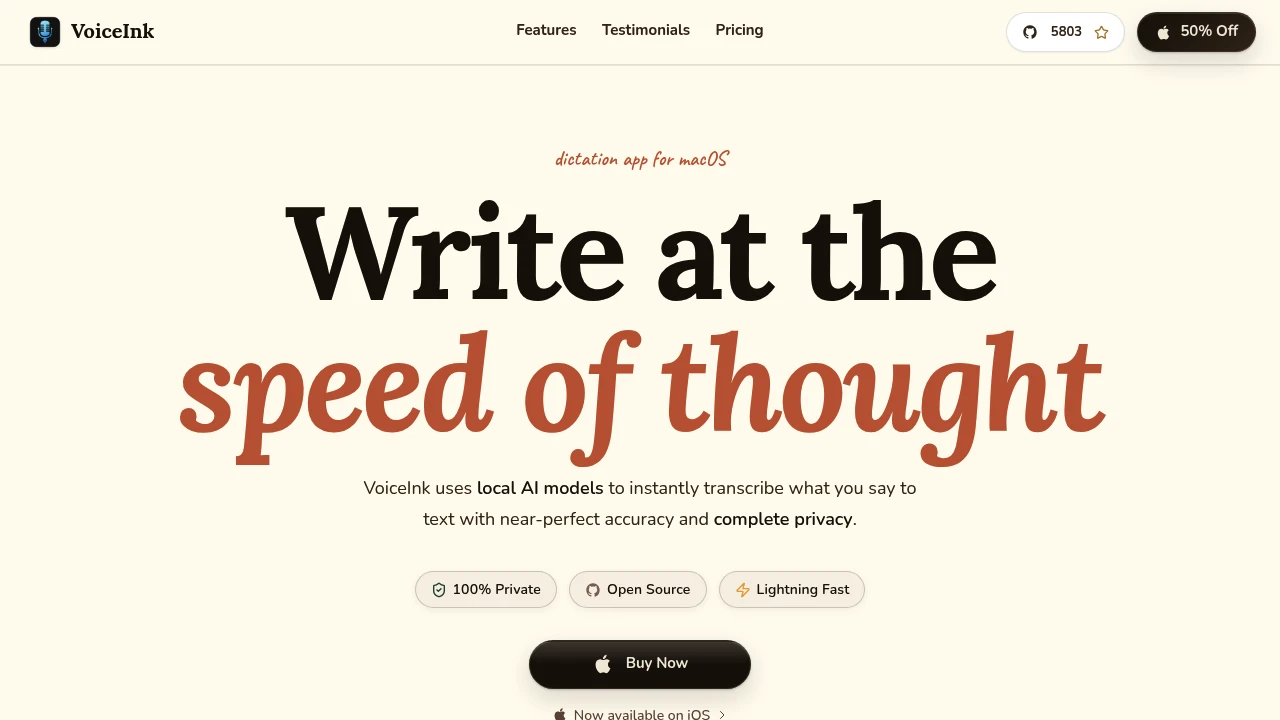
VoiceInk is a GPL-licensed local dictation app that costs $29 for one Mac, $49 for two, $69 for three - all one-time. It runs on-device, needs macOS 14.4 or later, and is Apple Silicon only. Cloud enhancement is optional rather than assumed.
The feature that justifies the price over Apple's built-in option is per-app automatic mode switching: different formatting rules depending on whether you're in Slack, Mail, or an editor. And because the source is GPL v3, you can build it yourself if you'd rather not pay.
The constraint is real, though: Intel Macs are out.
Most capable: superwhisper
superwhisper is the app for people who want to tune things. Local Whisper models by default, cloud models optional through your own API keys, and custom modes that can trigger shell commands. macOS 13.3 or later, so Intel Macs are supported.
Pricing is $8.49 a month, $84.99 a year, or $249.99 lifetime, with a free tier that gives unlimited dictation on the small local models. The lifetime licence is the one most people end up buying - against a $12-a-month cloud subscription it pays for itself in under two years.
The cost is setup time. You will spend an evening choosing models and building modes. See superwhisper vs MacWhisper for which of the two Mac heavyweights fits your work.
Best for recorded files: MacWhisper
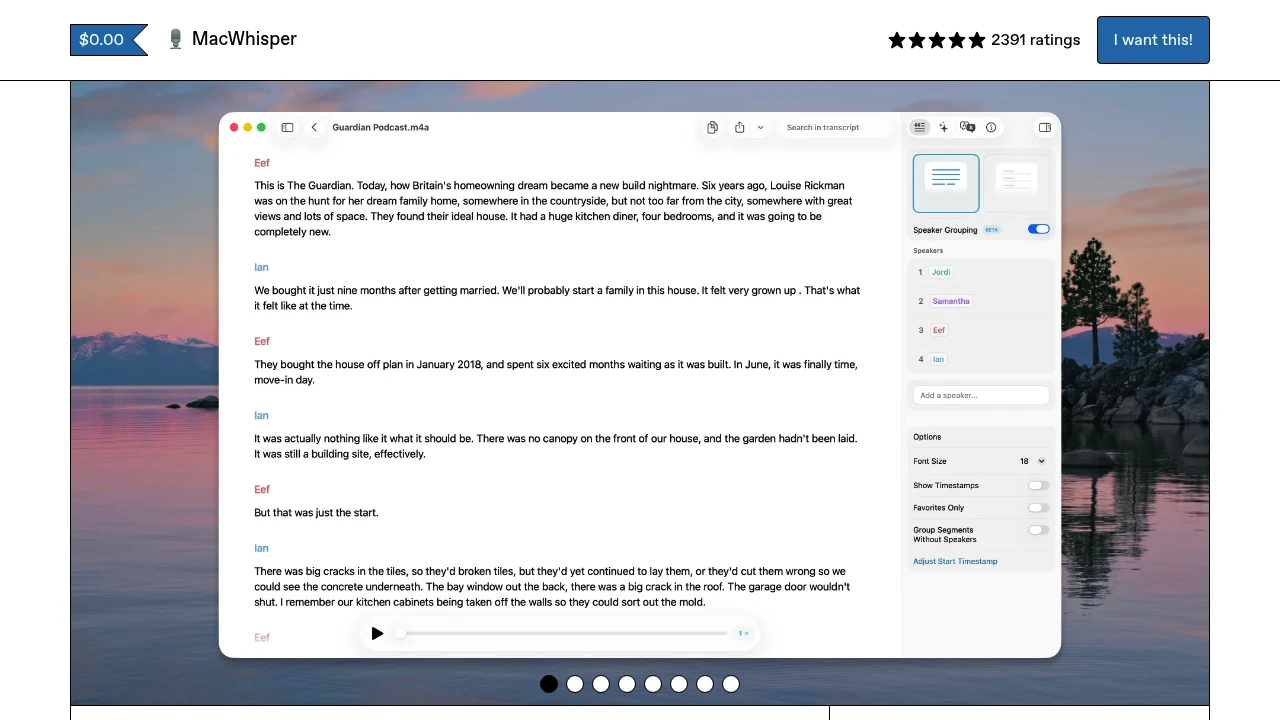
MacWhisper is a different product to the rest of this list. It doesn't type at the cursor as its primary job - it takes audio and video files and gives you transcripts, with watch folders, YouTube URL ingestion, system audio capture, and subtitle export formats.
Free covers the tiny and base Whisper models for single files. Pro is €59 one-time on Gumroad. Confusingly, the App Store build is a different SKU called Whisper Transcription at $29.99 a year or $99.99 lifetime - check which one you're buying.
Everything runs on-device, so there's no per-minute cost and no upload wait. For interviews, lectures, and podcasts this is usually cheaper than any cloud service within the first few hours of audio.
Free and offline, no account: Parrot
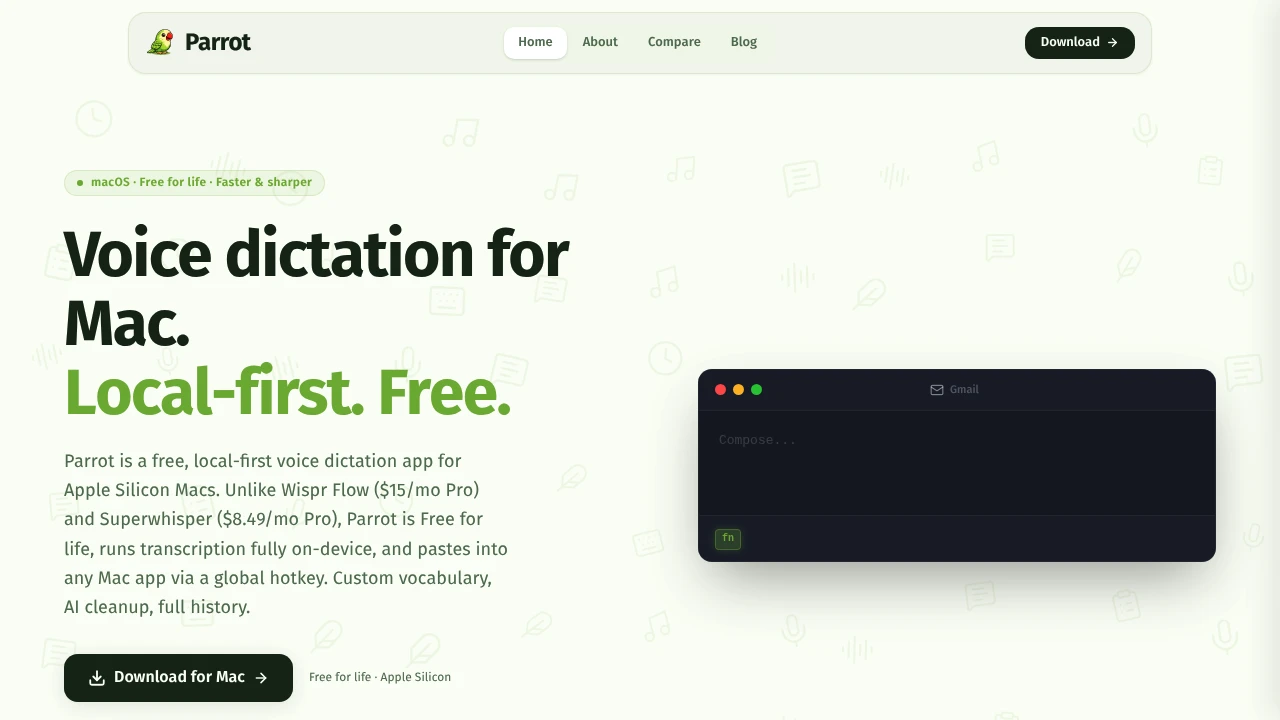
Parrot is free for life, Apple Silicon only, requires no account, and does both transcription and AI cleanup on-device. There is no paid tier. That's a feature if you distrust freemium ladders and a risk if you need the developer to still be around in three years - there's no obvious business model funding it.
The cloud options
If you're happy for audio to leave your machine, cloud tools are noticeably more polished.
Wispr Flow is the best-finished, at $12 a user per month billed annually, with iOS and Android apps that mean your phone and laptop behave the same way. Aqua Voice is the fastest if you pay for realtime, from $8 a month annually, with a free tier capped at 1,000 words total. Utter undercuts everyone at $5 a month or $59.99 a year, and is free if you bring your own keys or run local models.
The trade-off is the same in every case: no connection, no dictation, and your audio transits someone else's infrastructure. If that matters, see cloud vs on-device dictation.
Intel Mac users, read this
Several of the best Mac options are Apple Silicon only: VoiceInk, Parrot, and the local modes in Utter, Spokenly, and Voibe all need an M-series chip. Voibe specifically falls back to zero-retention cloud processing on Intel Macs rather than running locally.
If you're on Intel and want offline dictation, your realistic options are superwhisper, MacWhisper, Buzz, and Handy. Expect slower transcription - these models lean heavily on the Neural Engine.
Frequently asked questions
What is the best dictation software for Mac?
For most people, Apple Dictation first, then VoiceInk at $29 one-time if you need more. superwhisper is the most capable, and Wispr Flow is the most polished if you're comfortable with cloud processing.
Is Apple Dictation good enough in 2026?
For short-form writing, usually. The on-device model handles punctuation and capitalisation automatically now, it's free, and it works offline on Apple Silicon. It falls short on custom vocabulary, per-app formatting, and cleaning up rambling speech into finished prose.
Does Mac dictation work without internet?
Yes, on Apple Silicon, once you've downloaded the language. Third-party local apps - superwhisper, VoiceInk, MacWhisper, Parrot, Handy - also work fully offline. See the works offline collection.
Is there a Dragon for Mac?
No. Nuance discontinued Dragon for Mac in 2018 and has not replaced it. Dragon Professional is Windows only. The closest Mac equivalents are superwhisper and VoiceInk for dictation, and Talon Voice for full voice control.
What's the cheapest good Mac dictation app?
VoiceInk at $29 one-time, or free with Handy, Parrot, or Whispering if you can live without support.
Last verified: 10 August 2026.