The Best Dictation Software for Linux in 2026
Seven Linux dictation tools that actually work, compared on Wayland support, GPU requirements, and setup effort. All but one are free and offline.
Written by Dictation Database Team
Linux dictation used to mean compiling something and hoping. That changed when Whisper made good speech recognition runnable on a laptop CPU, and a small group of projects built proper desktop applications around it. There are now several Linux dictation tools that install cleanly, sit in your system tray, and type at the cursor on Wayland.
Short answer: Vocalinux is the most polished, Handy is the best cross-platform option if you also use Mac or Windows, VOXD is the best if you don't have a GPU, and nerd-dictation is the one to pick if you'd rather configure things in Python than click.
The short list
| Tool | Licence | Engine | Wayland | GPU needed |
|---|---|---|---|---|
| Vocalinux | AGPL-3.0 | whisper.cpp, Whisper, VOSK | Yes | Optional (Vulkan) |
| Handy | MIT | Whisper, Parakeet V3 | Yes | Optional |
| VOXD | MIT | whisper.cpp | Yes | No |
| nerd-dictation | GPL-3.0 | VOSK | Yes (and TTYs) | No |
| Numen | Libre | Local | Yes | No |
| Buzz | MIT | Whisper + HF models | N/A (file tool) | Optional (CUDA/Vulkan) |
| Vibe | MIT | Whisper, Parakeet, Nemotron | N/A (file tool) | Optional |
| Voicy | Commercial | Cloud | Yes | No |
Every option here except Voicy is free, open source, and runs entirely offline.
Most polished: Vocalinux
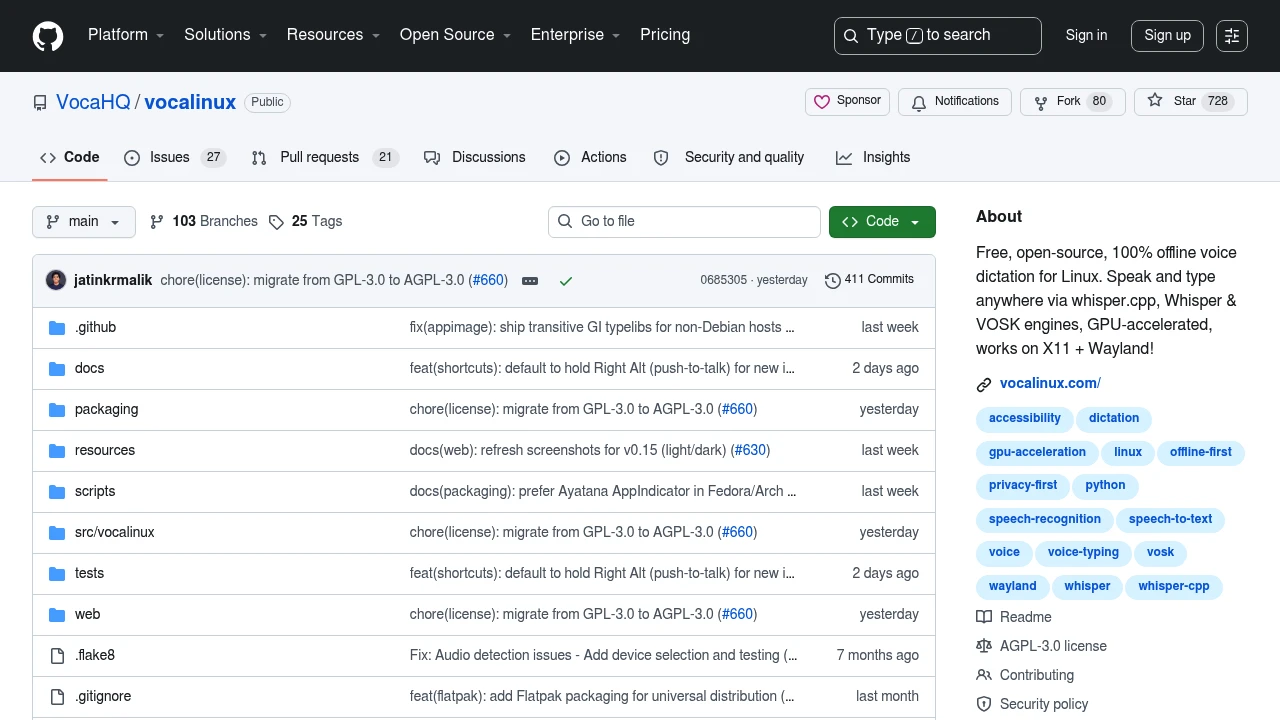
Vocalinux is the closest thing Linux has to a consumer dictation app. It packages for Ubuntu 22.04+, Debian 11+, Fedora 39+, Arch, and openSUSE Tumbleweed, works on both X11 and Wayland, and gives you a tray icon and a settings window rather than a config file.
It defaults to whisper.cpp, with OpenAI Whisper and VOSK as alternatives, and supports Vulkan GPU acceleration on AMD, Intel, and NVIDIA - unusual in this space, where most projects assume CUDA. Around 33 languages are selectable.
It is offline-only by design. There is no cloud path at all, which for a lot of Linux users is the point rather than a limitation.
Best cross-platform: Handy
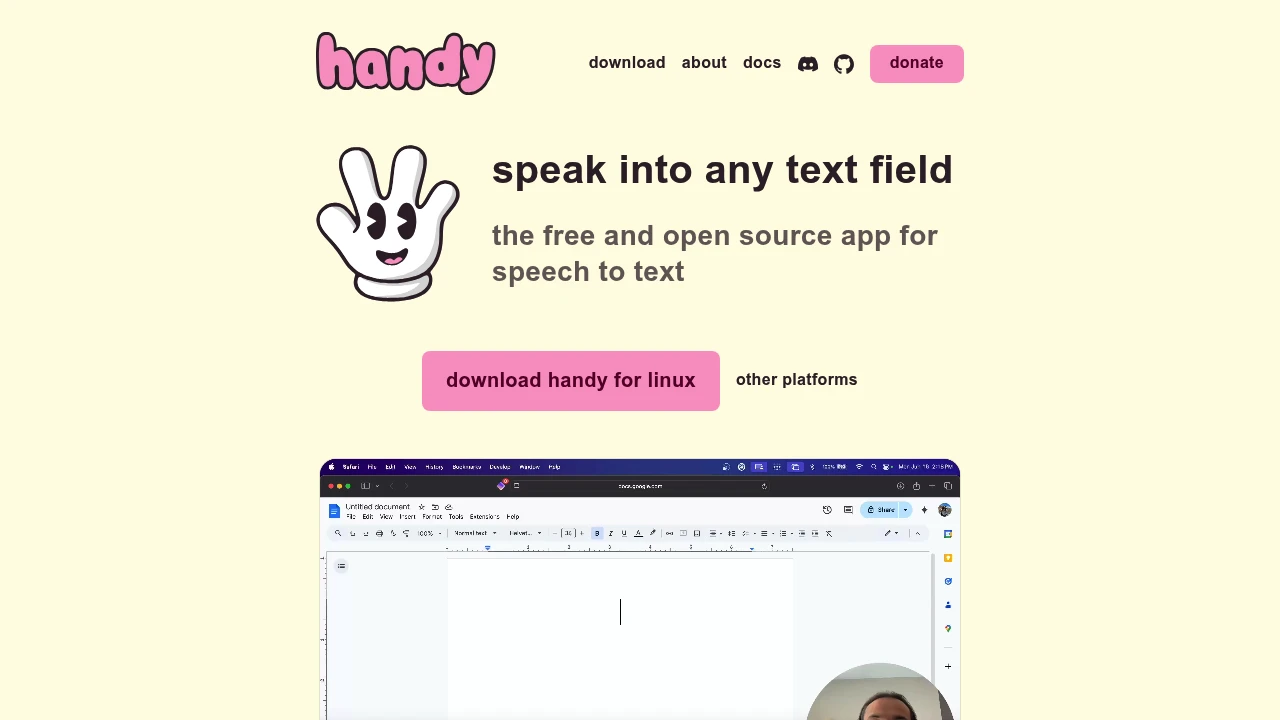
Handy is MIT-licensed and ships x64 Linux builds alongside macOS and Windows, treating all three as real targets rather than shipping a Linux binary as an afterthought. It runs Whisper Small, Medium, Turbo, and Large with GPU acceleration, plus Parakeet V3 and custom GGML models, and takes CLI parameters so you can drive it from a script or a keybinding.
If you move between a Linux desktop and a Mac laptop, this is the one that gives you identical behaviour on both.
No GPU: VOXD
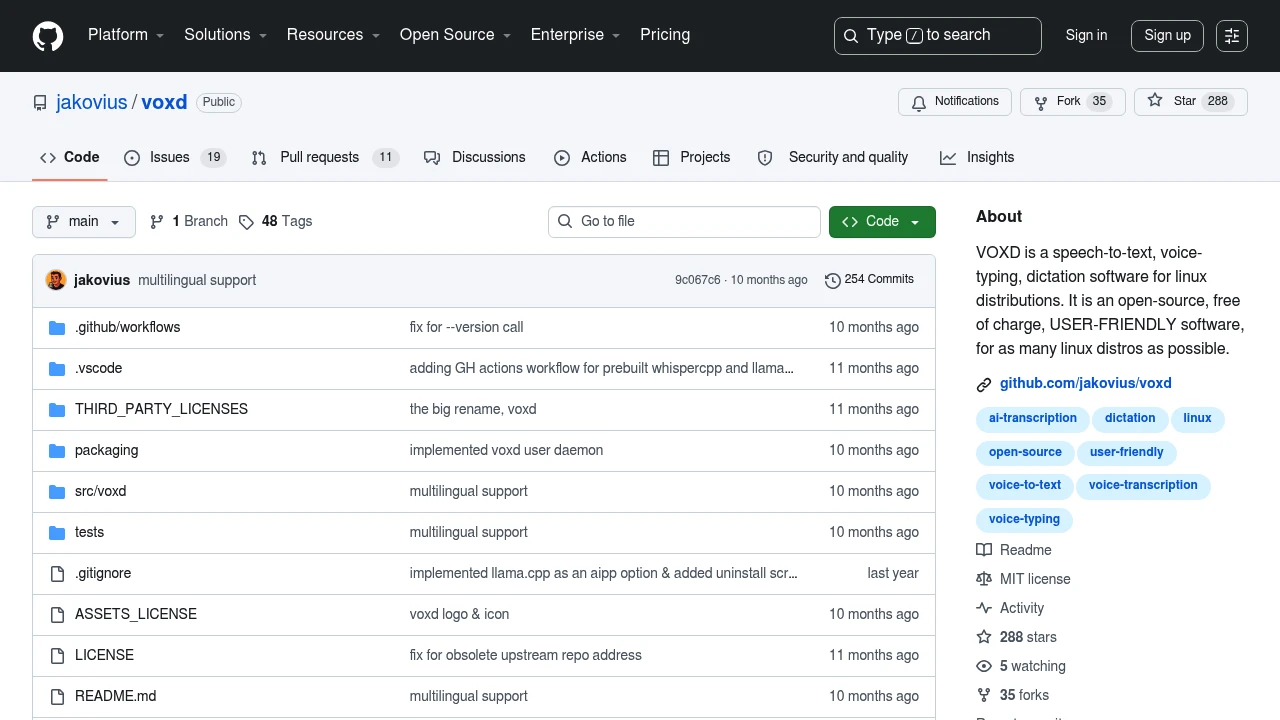
VOXD is explicit about not requiring a GPU, which matters on older hardware and in VMs. It transcribes with whisper.cpp locally and can optionally post-process with llama.cpp locally, or with OpenAI, Anthropic, or xAI if you want cloud cleanup on top of local transcription.
Packages exist for Arch, Ubuntu, Fedora, Pop!_OS, Mint, and openSUSE, on X11 and Wayland, and it offers a CLI, a GUI, a system tray, and a voice-triggered mode. Around 288 GitHub stars and 254 commits - smaller than the others here, but actively developed.
For people who prefer code: nerd-dictation
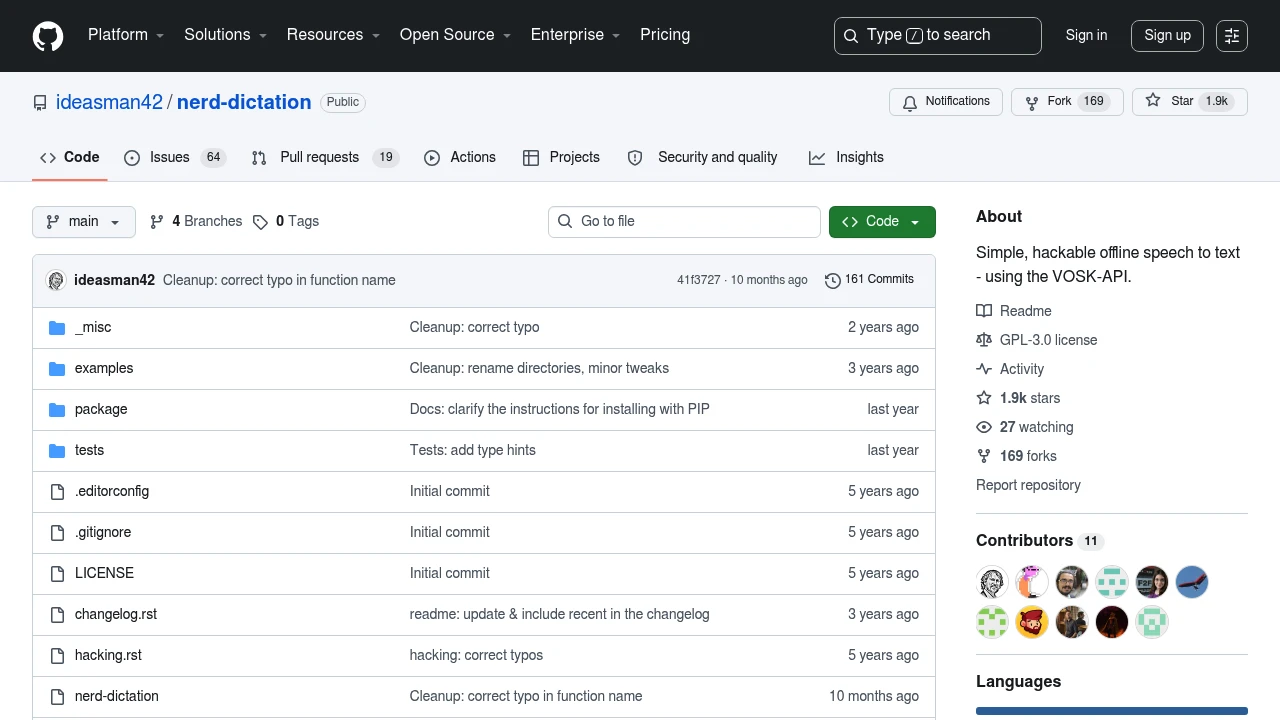
nerd-dictation is one Python file. No background service, no daemon, no tray icon. You configure it by writing Python, which is either the best or worst thing about it depending on who you are.
It uses VOSK rather than Whisper, which means lower accuracy on hard audio but much lower resource use and near-instant response. It works on X11, Wayland, and in TTYs, via a choice of input tools, and needs nothing but Python 3.6+. About 1,900 stars, which makes it the most-starred dedicated Linux dictation project.
Pick this if you want dictation that composes with the rest of your setup - piping through custom text transforms, triggering on a hotkey from your window manager, running headless.
Full voice control: Numen
Numen is a different category: hands-free control of the whole system, not just text entry. Free, libre, runs entirely locally, and aimed at people with mobility limitations or anyone managing RSI. If you need to drive the machine without a keyboard rather than just type into it, this is the Linux answer. See also dictation for RSI.
For coding specifically, Talon Voice supports Linux on X11, and Dragonfly works on X11 with Kaldi as the engine - Wayland is not fully supported by either. More in the best voice coding tools.
Transcribing recorded files
For turning audio files into transcripts rather than typing at the cursor, two free tools stand out and both run on Linux.
Buzz is the cross-platform answer to MacWhisper, with around 20,900 GitHub stars. It handles audio and video files, YouTube links, and live microphone input, with CUDA, Apple Silicon, and Vulkan acceleration, and installs via Flatpak, Snap, or PyPI.
Vibe adds speaker diarization, batch processing, system audio capture, and exports to SRT, VTT, TXT, HTML, PDF, JSON, and DOCX. It supports Whisper, Nemotron 3.5, and Parakeet TDT v3, with GPU optimisation for NVIDIA, AMD, and Intel.
The one commercial option
Voicy is the rare paid dictation service that ships a real Linux client, alongside Windows, macOS, iOS, Android, and a Chrome extension - six platforms on one subscription at $8.49 a month billed annually, or $260 lifetime. There's no free tier, just 30 minutes of free recording without a card.
It's cloud-only, so it fails the offline test that most Linux users are applying in the first place. But if you want cross-platform sync and support rather than a self-managed setup, it's the only serious option.
Wayland: what still breaks
Most of these tools now handle Wayland, but the mechanism matters. Typing text at the cursor under Wayland requires either a virtual keyboard protocol, ydotool, or a compositor-specific hook - and which one works depends on your compositor. GNOME and KDE are generally fine; more exotic compositors may need manual setup.
Anything built on X11-specific automation, including Dragonfly and parts of the Talon ecosystem, is still X11-only. Check the tool page's notes before you switch your whole workflow.
Frequently asked questions
What is the best dictation software for Linux?
Vocalinux if you want something that behaves like a normal desktop app, Handy if you also use Mac or Windows, VOXD if you have no GPU, and nerd-dictation if you'd rather script it.
Is there a Dragon NaturallySpeaking for Linux?
No, and there never was an official one. Dragon Professional is Windows only. Dragonfly can drive Kaldi on Linux X11 with a Dragon-style grammar, which is the closest equivalent.
Does Linux dictation work offline?
Almost all of it does. Vocalinux, Handy, VOXD, nerd-dictation, Numen, Buzz, and Vibe all run models locally with no network path required. See the works offline collection.
Does Linux dictation work on Wayland?
Yes, for Vocalinux, Handy, VOXD, and nerd-dictation. Dragonfly and Talon's Linux support are X11-only.
Do I need a GPU for Linux dictation?
No. VOXD and nerd-dictation explicitly work without one, and the smaller Whisper models run acceptably on a modern CPU. A GPU mainly buys you the ability to run larger, more accurate models in real time.
Last verified: 10 August 2026.